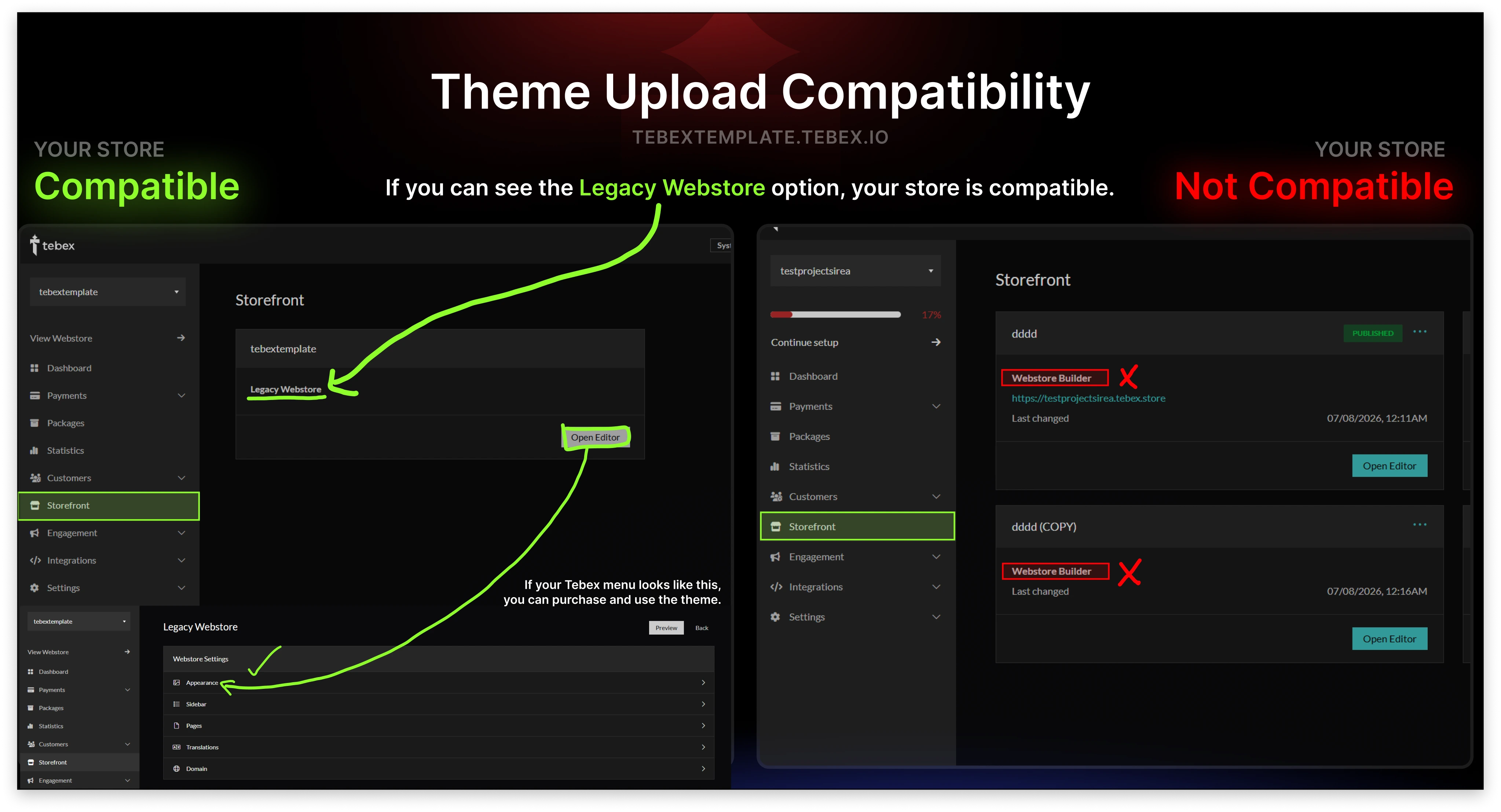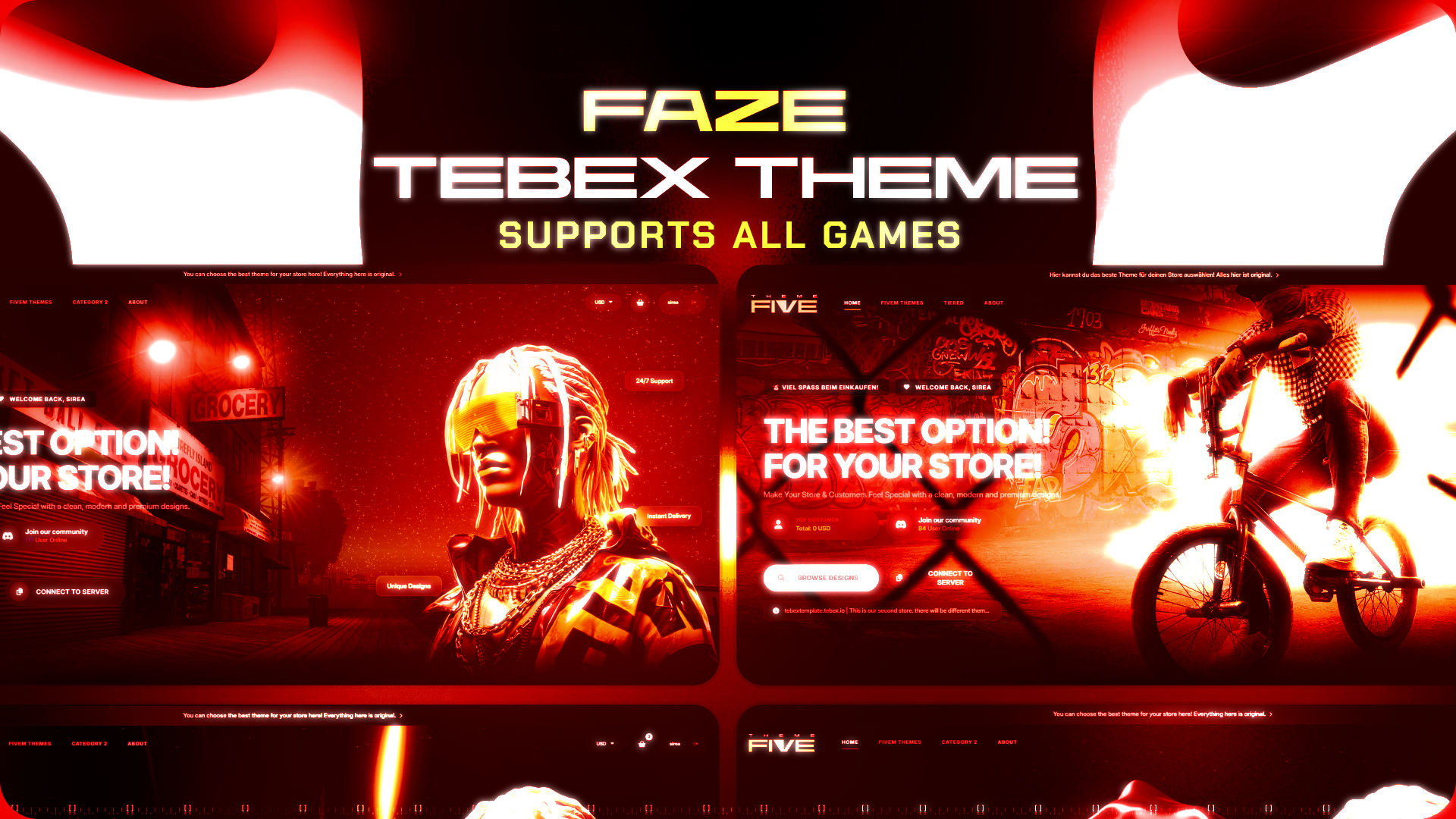
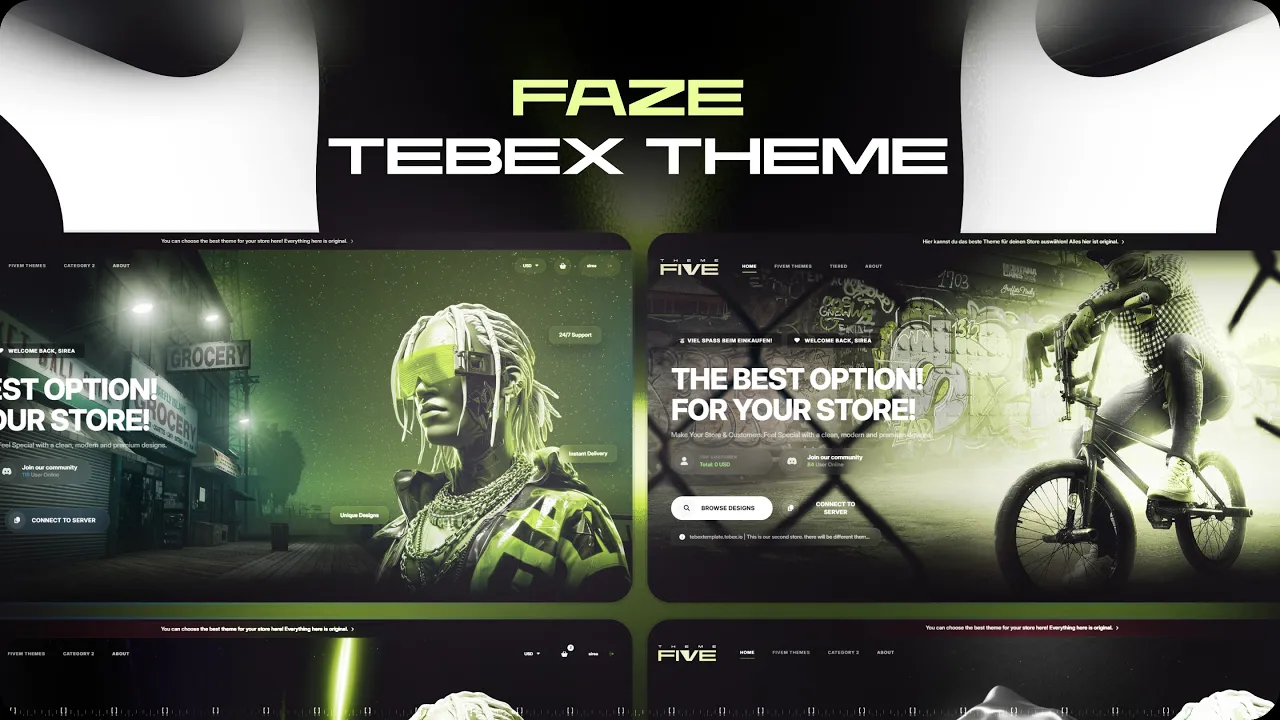
Fully compatible with all Tebex games and stores. Best preium tebex theme template
Optimized specifically for Fivem, RedM servers, while remaining fully compatible with all Tebex-supported games, including FiveM, Rust, RedM and more.
Unlike generic templates, Faze Theme is not auto-generated. It is fully handcrafted with a design-first approach, where every detail is intentionally built to enhance user experience, guide user flow, and improve conversion performance.
Why Faze Theme?
Optimized structure tailored for RedM
Full compatibility with all games (FiveM, Minecraft, Rust, etc.)
Unique, non-repetitive premium design
Conversion-focused user experience
Full Creative Control
No more being limited by rigid layouts.
Shape your store freely to match your server’s identity.
Easy to Edit – No Coding Required
No technical knowledge needed.
With its intuitive structure, you can quickly customize and launch your store.
Support & Links
Discord: https://discord.com/invite/heu5cEjnHA
Showcase: https://youtu.be/D6wvvoWdtwg